
Continuous updates, with no data loss
Transparency and stability you can rely on
30-day trial, no credit card
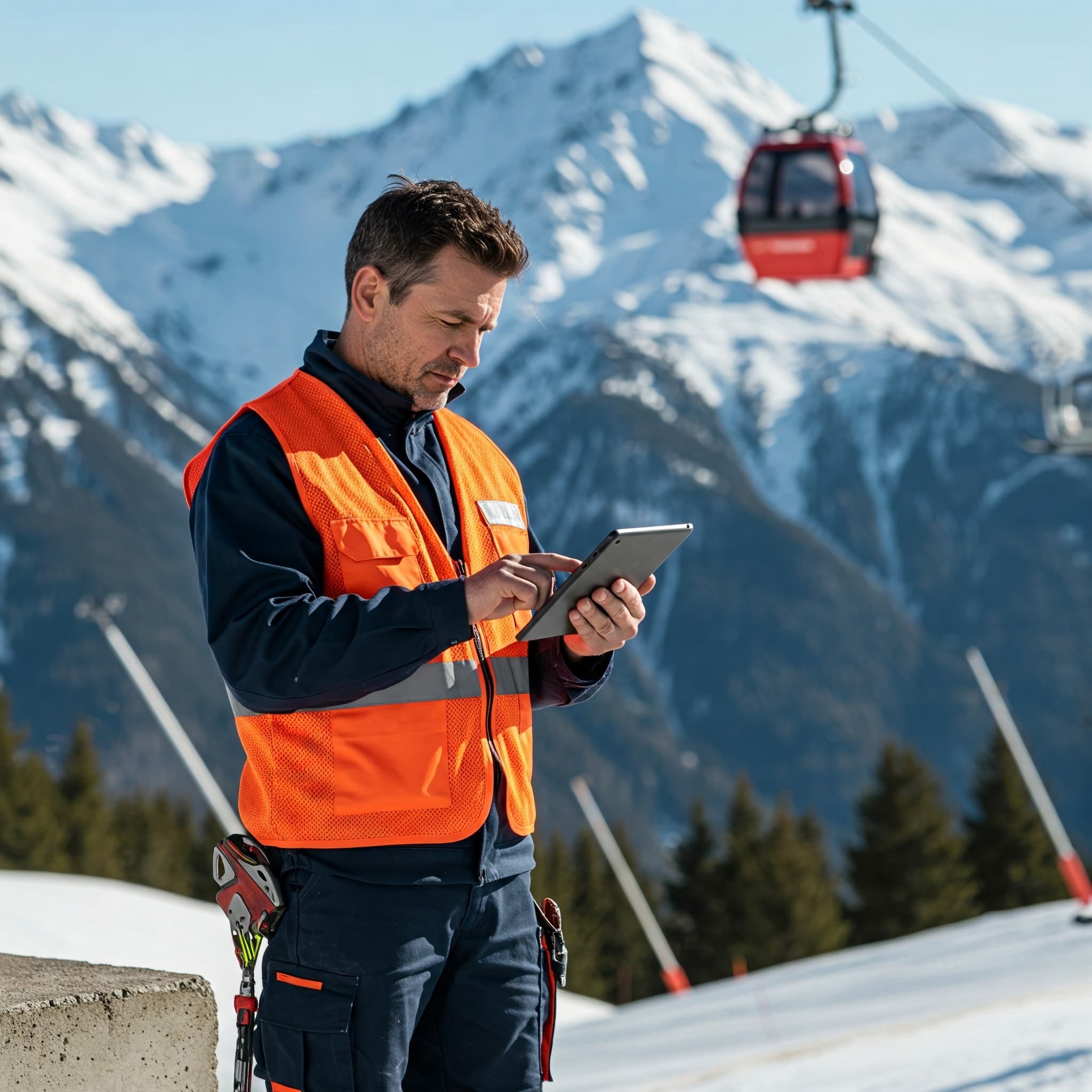
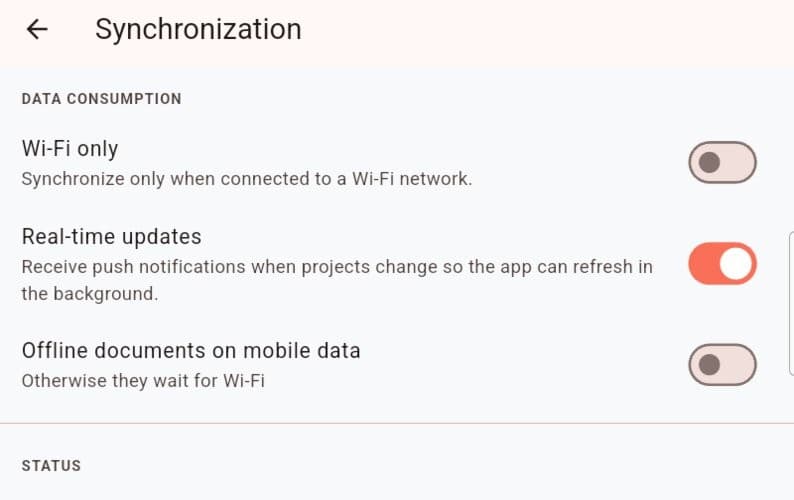
Automatic update
As soon as the network is back, Touch2build replicates your data to the cloud automatically.
Your reports, site tracking and team messages stay up to date with no manual action.
You save time and avoid duplicates between field and office.
Innovation driven by your feedback
Each update is based on users' real needs.
Field feedback and suggestions for improvement feed directly into the product roadmap.
You help shape an application built for, and with, building professionals.

Why it makes a real difference
By combining continuous improvement, attention to customers and technical stability, Touch2build stays a lasting ally in the field and in the office.
Common problem
What Touch2build changes

Updates that respect your work
Site software should not break your habits on a Monday morning. At Touch2build, every change is rolled out with no data loss and no change to your settings: projects, preferences and history stay intact, and the application stays available during rollouts.
Where do new features come from?
From the sites themselves: feedback from site managers, subcontractors and architects feeds directly into the roadmap. Changes answer needs seen in the field, not passing fashions.
Do I need to reinstall or retrain teams with each version?
No. Updates to the mobile app go through the app stores, and updates to the web application need no action from you. The interface stays stable: what worked keeps working, in the same place.
How do I hear about new features?
Notable changes are announced on the Touch2build blog and in the application. You stay in control, with no surprises.
Try Touch2build for free
Test the application for 30 days, with no credit card and no commitment. See for yourself how Touch2build can change the way you run your sites.
Start my free trial- 30-day free trial
- Responsive support
- No credit card
- Cancel at any time