
Offline site app
Offline sync: stay productive, even without a network
30-day trial, no credit card
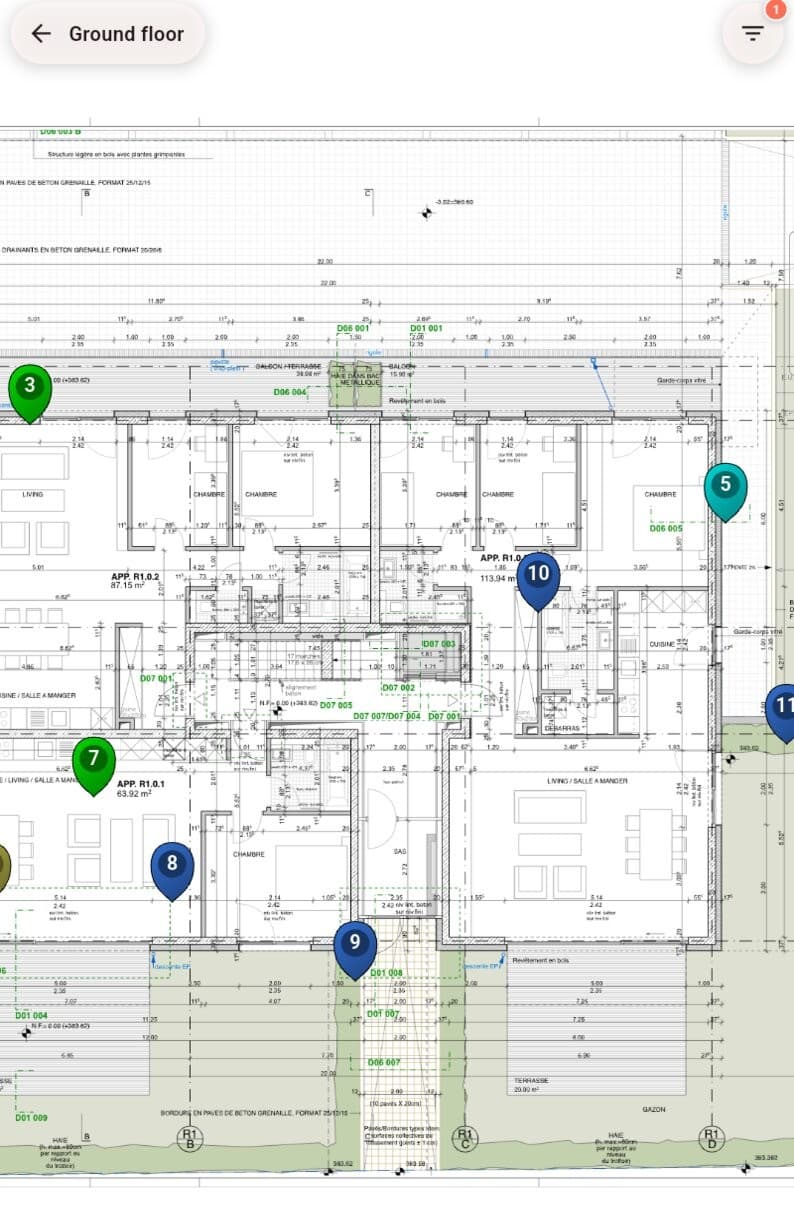
Automatic update
As soon as the network is back, Touch2build replicates your data to the cloud automatically.
Your reports, site tracking and team messages stay up to date with no manual action.
You save time and avoid duplicates between field and office.
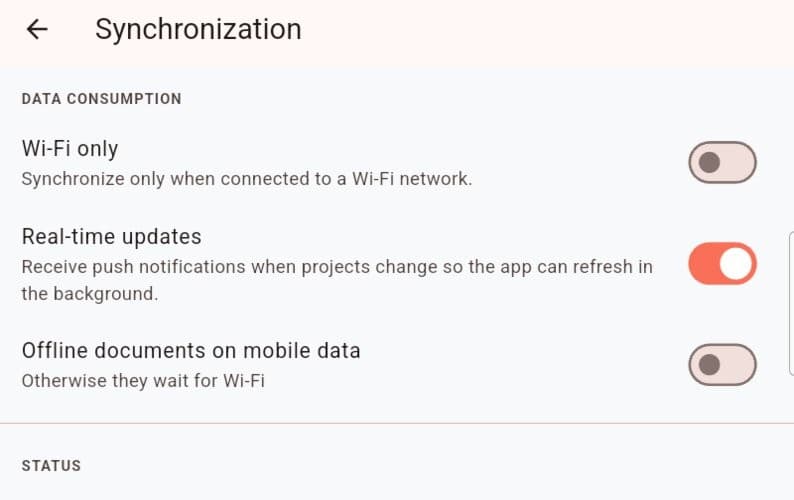
Continuous productivity
Network outages no longer stop your work.
Your teams stay operational, your records stay complete, and your decisions always rest on the latest data available.
Even in remote areas, Touch2build keeps working for you.
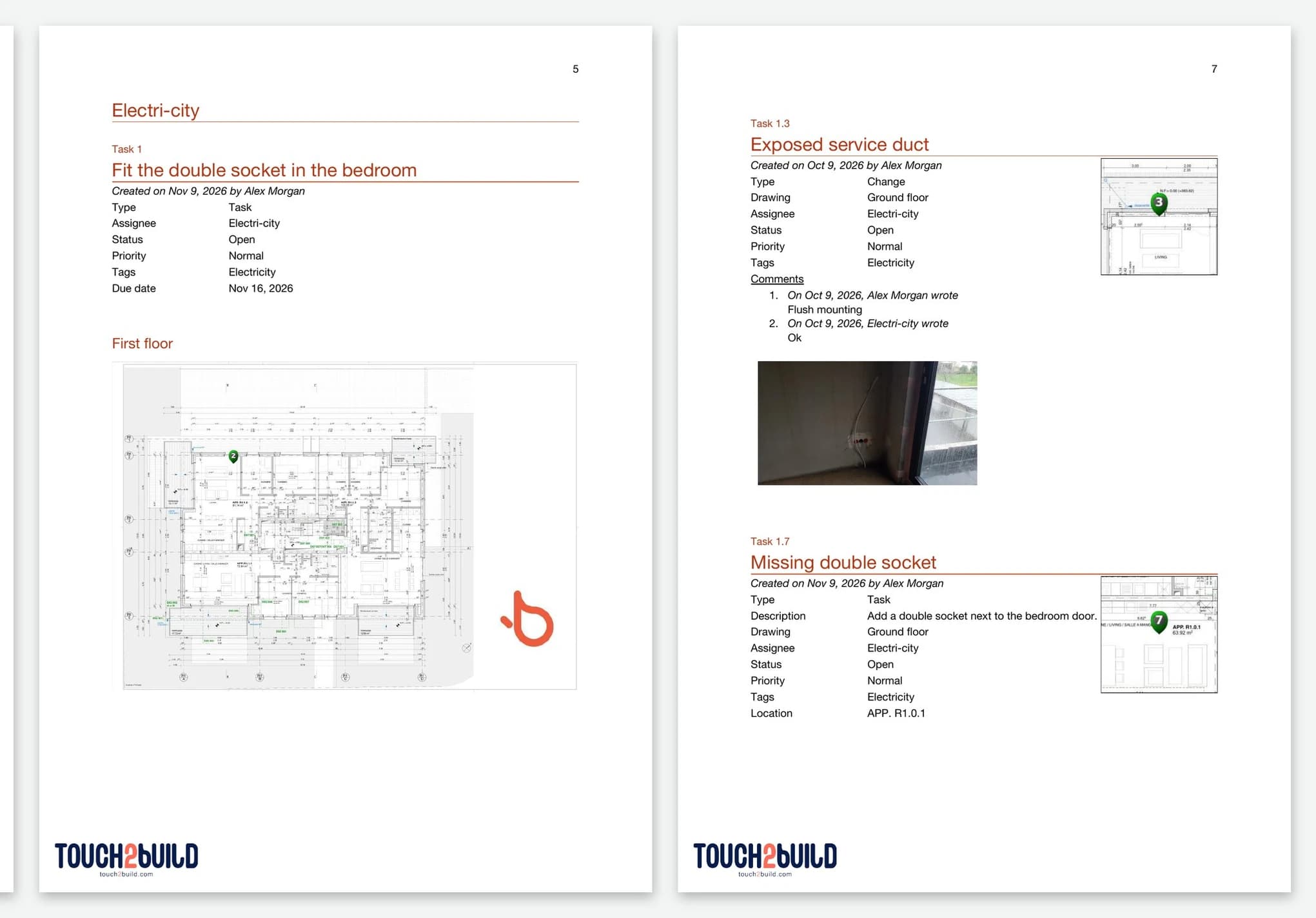
Why it makes a real difference
Common problem
What Touch2build changes
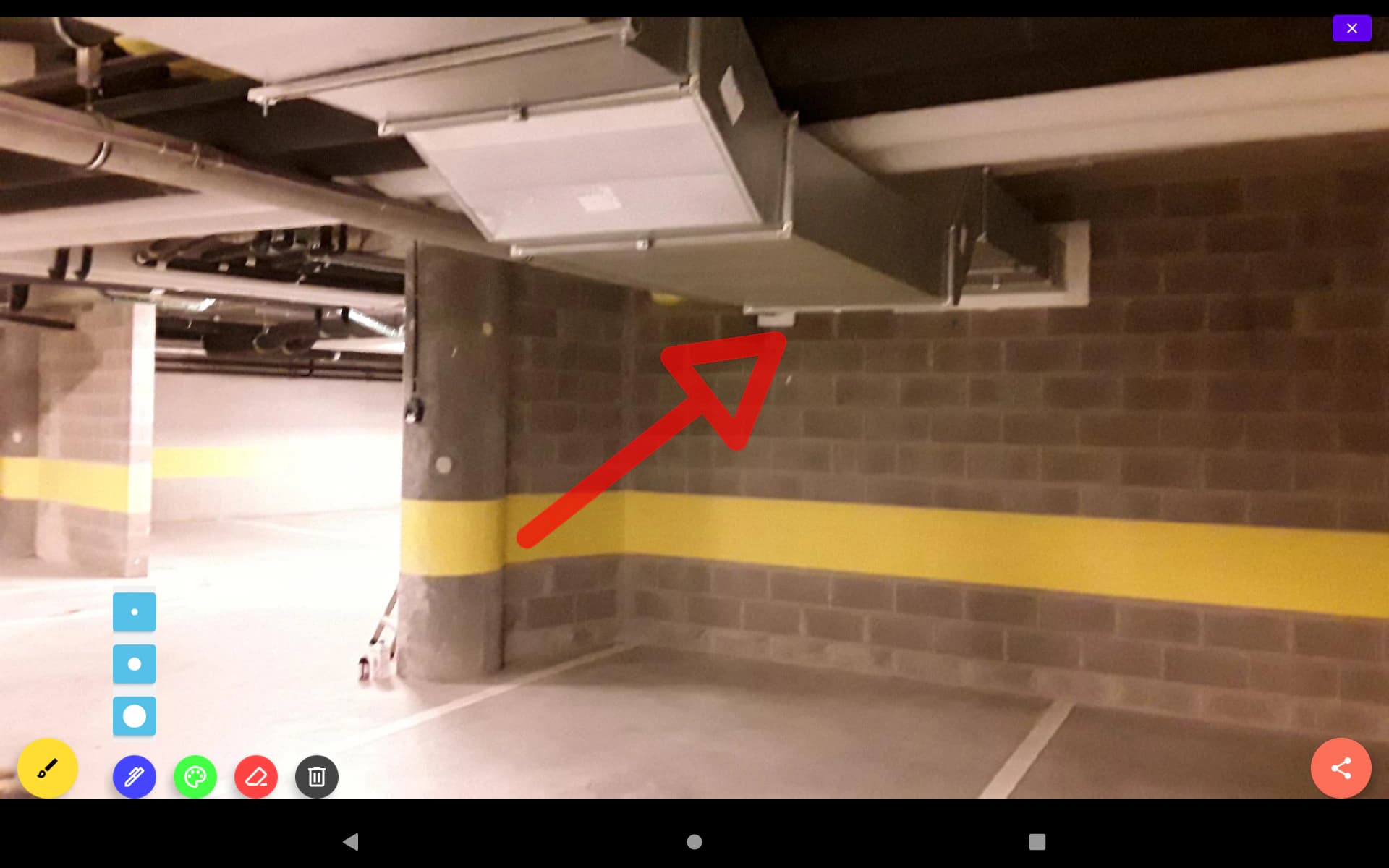
Offline site tracking in practice
Touch2build's offline mode rests on a simple principle: the application works locally first, and the network is a bonus. Drawings, tasks and history stay available on your device; photos, comments and progress updates are saved instantly, then sync automatically as soon as the signal returns. Your teams work the same way at ground level, at altitude or on the third basement level.
When is offline mode essential?
Underground car parks, tunnels, service ducts, rural areas with no coverage, shielded industrial sites, mountain sites: wherever the signal disappears, tracking carries on. Subcontractors and workers enter their findings on the spot, without waiting to find a network.
What happens during sync?
As soon as a connection is detected, even a brief one, Touch2build replicates your local data to the cloud: reports, snags and photos become visible to the whole team, with no action on your part. If changes are made at the same time, entries are timestamped and merged, and nothing is silently overwritten.
Do I need to prepare anything before going into a dead zone?
Simply open your project once with a network: drawings and data are then stored on the device. To go further, read our guide to offline site tracking.
Try Touch2build for free
Test the application for 30 days, with no credit card and no commitment. See for yourself how Touch2build can change the way you run your sites.
Start my free trial- 30-day free trial
- Responsive support
- No credit card
- Cancel at any time