
Site progress and task tracking
Stay in control of every stage of the site
30-day trial, no credit card
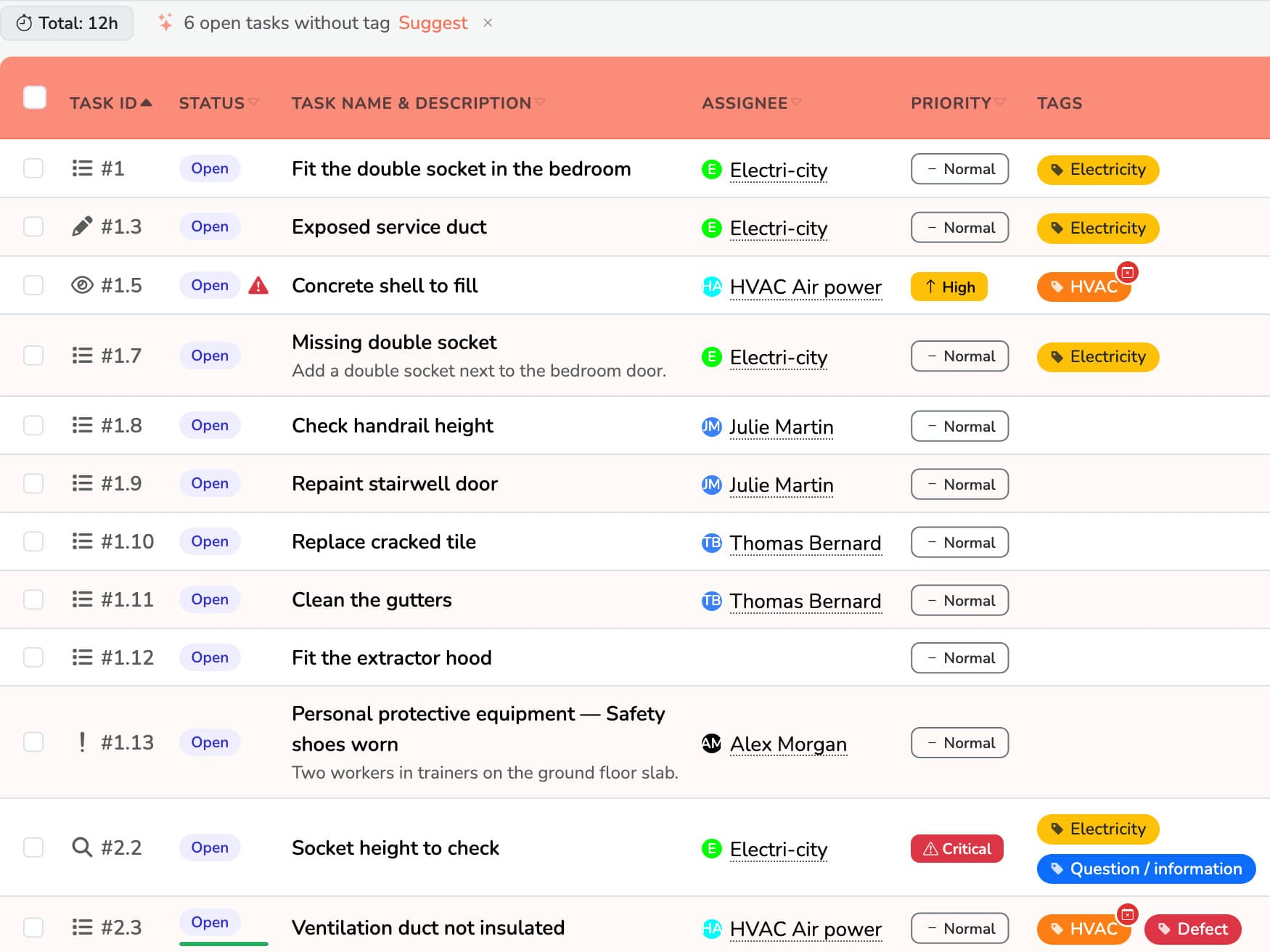
Comments and field evidence
Each task can hold photos, remarks and comments.
Messages stay in one place and open to everyone, so field and office communicate smoothly.
Decisions are made faster, on solid data.
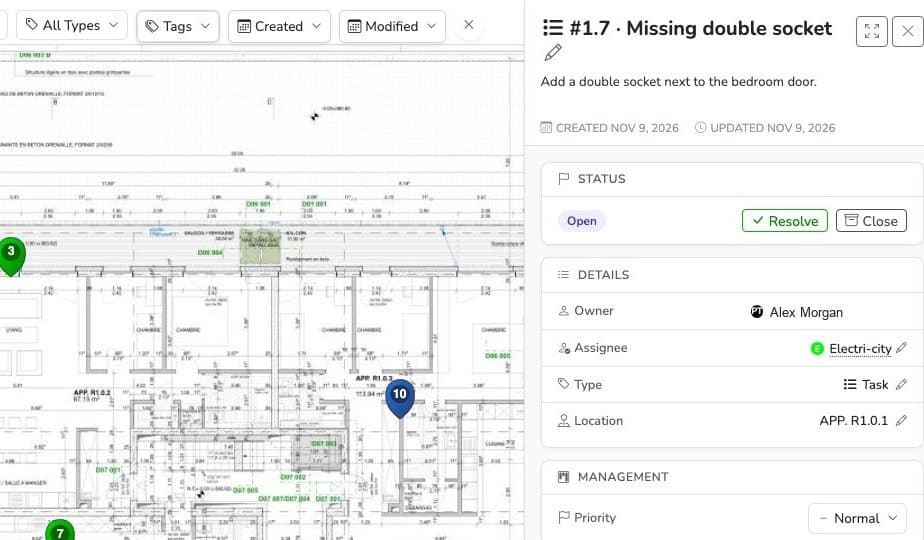
Dynamic Kanban view
With the Kanban view, see delays, blockages and progress on the project at a glance.
Drag, adjust, approve: your follow-up becomes as smooth as it is intuitive.
Simple to use, and clear for the whole team.
Why it makes a real difference
By turning each task into a living shared space, Touch2build gives a clear, shared and actionable view of project progress.
Common problem
What Touch2build changes
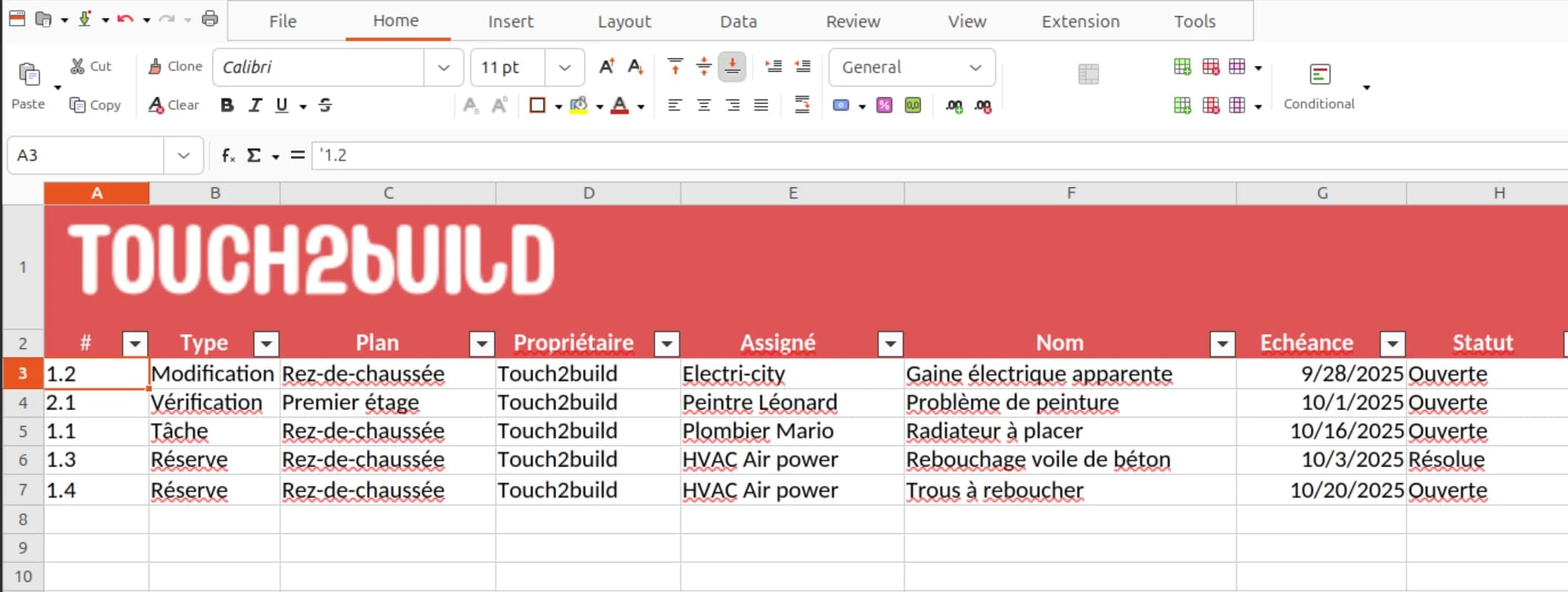
Planning by trade
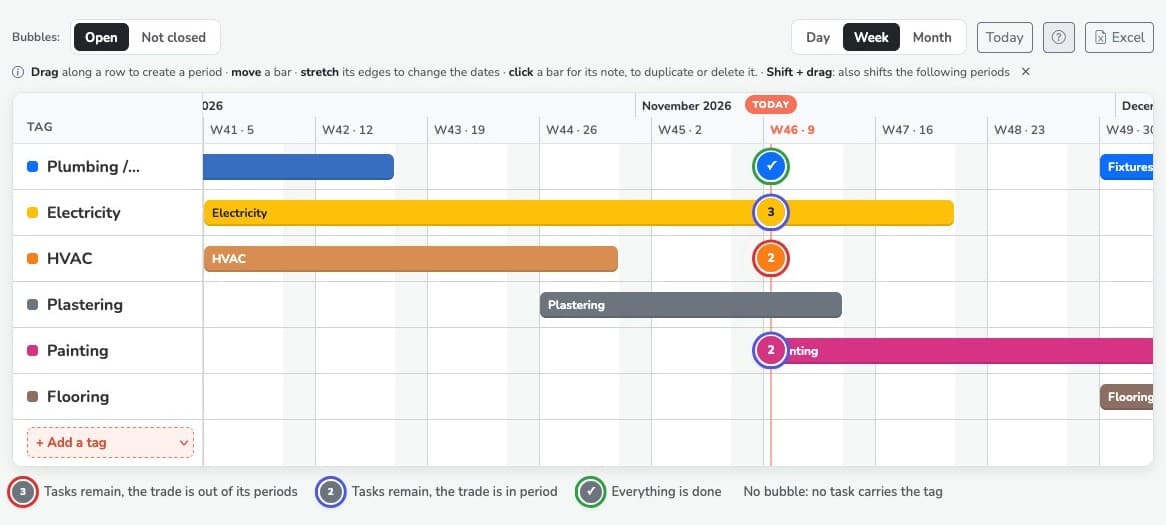
The planning shows each trade's period of work on the site and sets it alongside the tasks still open for that trade.
You know what is left to deal with for a company before it leaves the site, and you spot those that left with tasks still open. Periods move with the mouse, and the planning exports to Excel, ready to print.
Task tracking built for the field
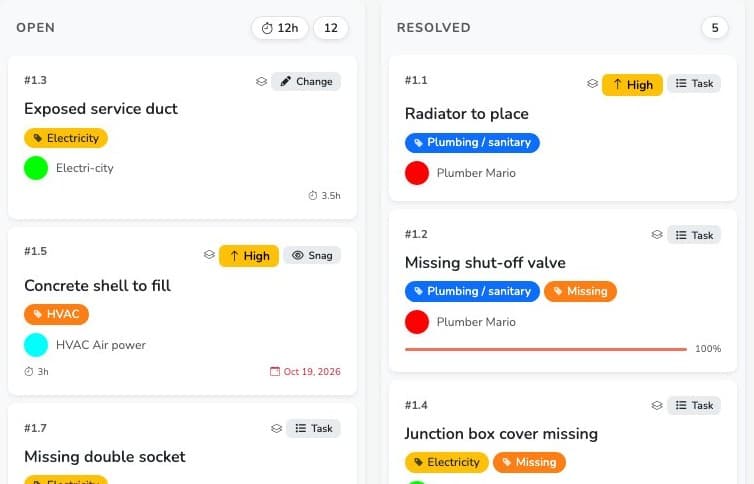
In Touch2build, each task is a shared space: live status (open, in progress, resolved, closed), attached photos, comments in one place. The Kanban view gives an immediate read on delays and blockages. No more out-of-date Excel lists and instructions lost in emails, a problem construction project managers know well.
How is site progress measured?
Each status change feeds the project's progress indicators automatically. You see real progress, task by task, with no retyping: field data feeds your automatic minutes directly.
Who can create and follow tasks?
Everyone invited to the project, according to their permissions: site manager, architect, subcontractor or inspection company. Each person sees what concerns them, comments and attaches their field evidence. Communication stays in the application, traced and dated.
Does tracking work without a network?
Yes: tasks can be viewed and updated offline, then sync automatically. See offline sync.
Try Touch2build for free
Test the application for 30 days, with no credit card and no commitment. See for yourself how Touch2build can change the way you run your sites.
Start my free trial- 30-day free trial
- Responsive support
- No credit card
- Cancel at any time