
Snagging software on drawings
Snagging software: every snag followed until it is cleared
30-day trial, no credit card
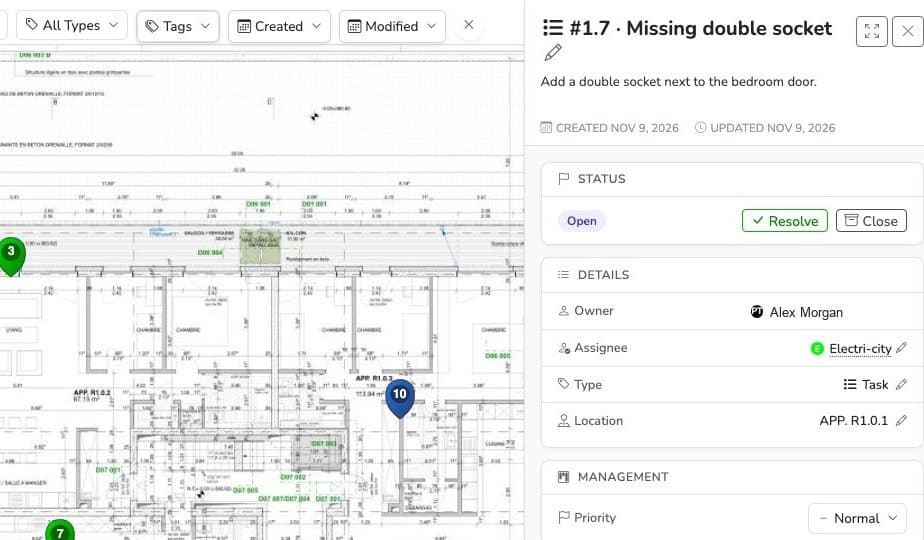
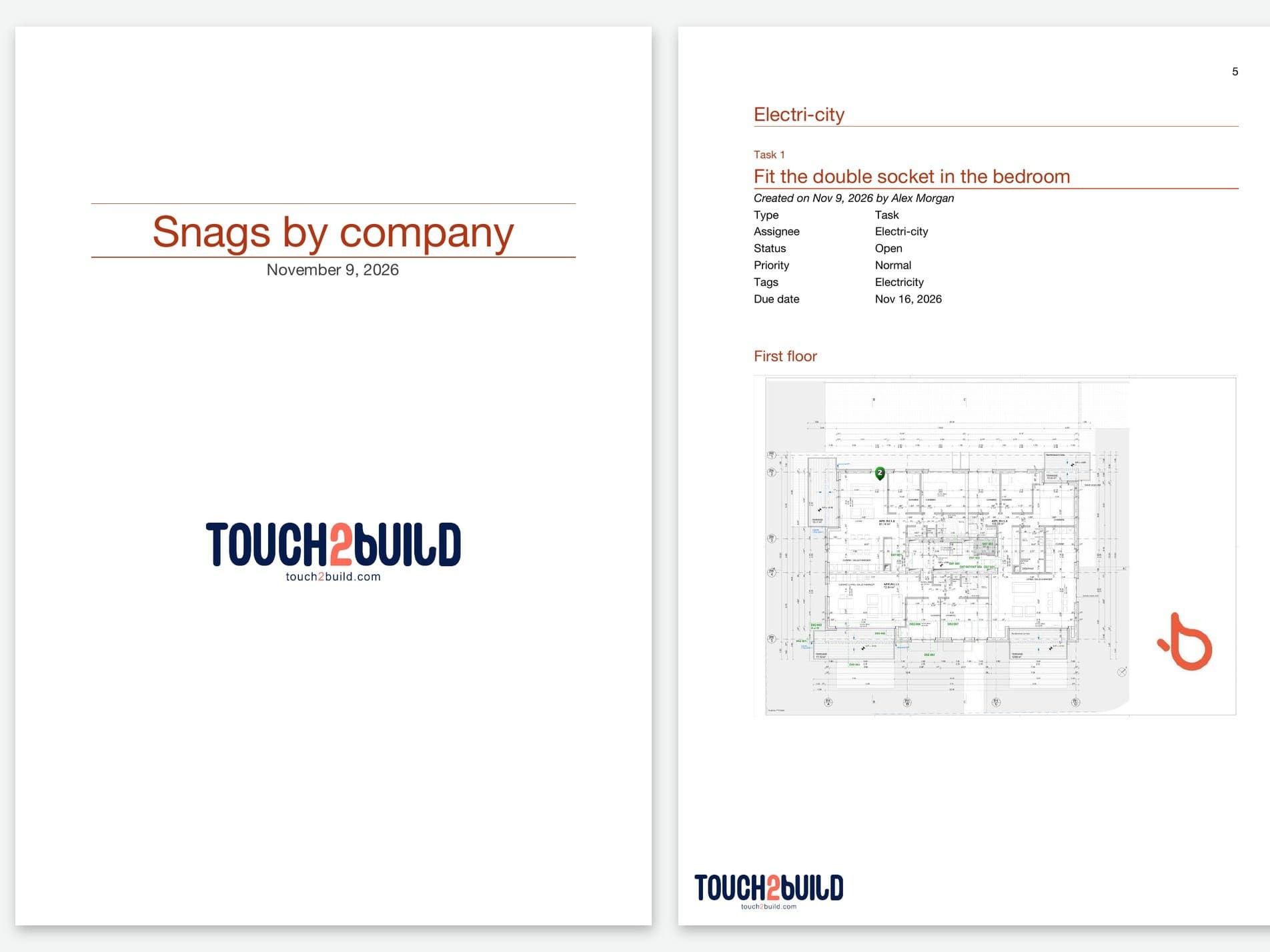
One snag, one pin on the drawing: open, cleared by the company, checked by you.
Record snags during the visit, even without a network
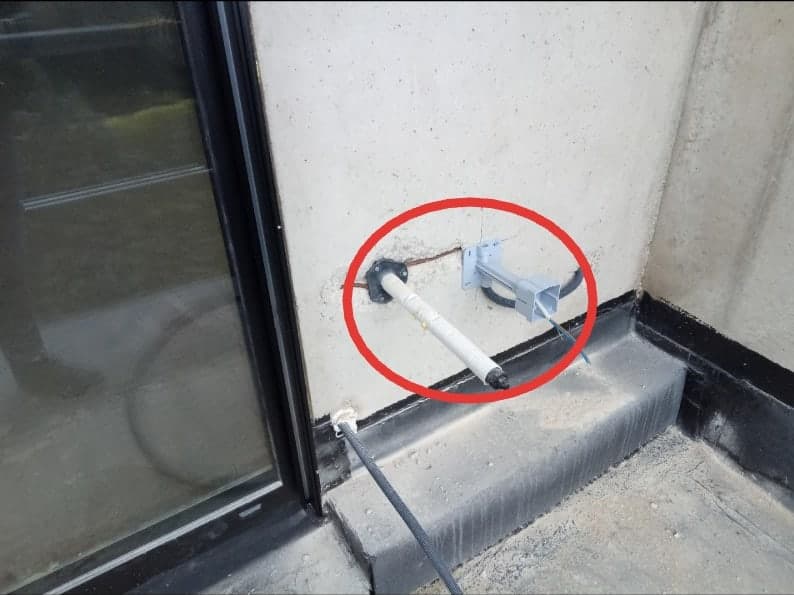
During the pre-handover inspection, tap the drawing at the spot of the defect: the task is created there, with the type Snag, an annotated photo, the trade and the location (flat, room, plant room). In a basement or a building with no network, the mobile app saves everything and syncs when the network returns.
On the drawing
Each snag has its exact place, so there is no need to describe it.Annotated photo
Circle the defect, add an arrow or a text.Offline
Record with no network, everything syncs afterwards.
Each company receives its snags
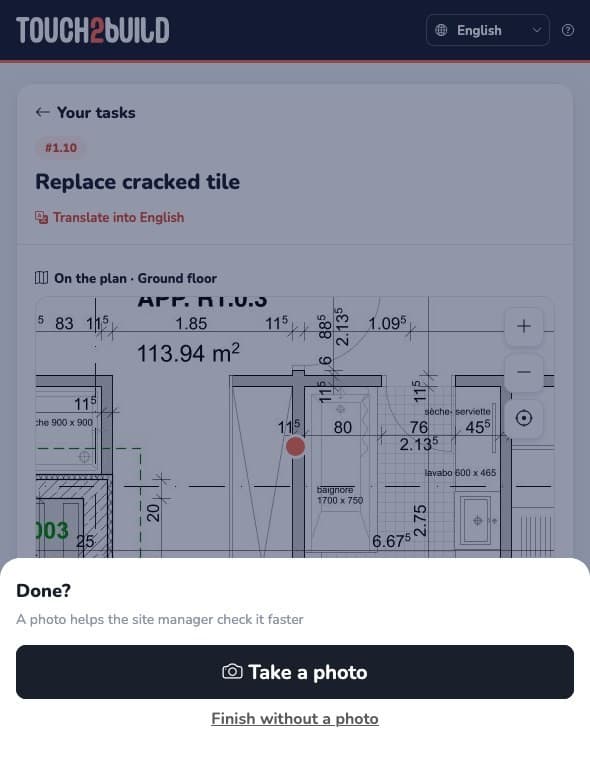
Send each company a link to its open snags. It sees them on the drawing, with the photos, from its phone: no account, no app, no licence. Once the fix is made, it taps Done and can attach a photo. See Send tasks.
How do you prove a snag is cleared?
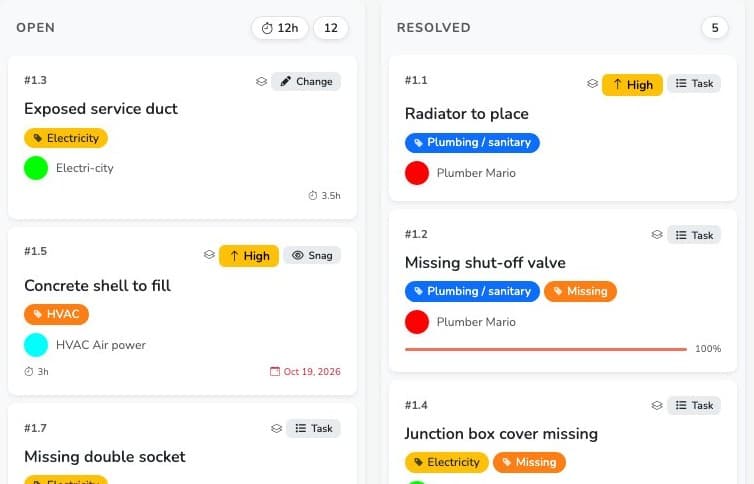
Each snag goes through three statuses: Open (to be fixed), Resolved (the company says it is done) and Closed (you have checked). A snag is cleared only after your check, and the task detail keeps a record of every message. A board by status shows at a glance what is left to fix and what is waiting for your check.
The up-to-date snag list, for the meeting or the minutes
Export tasks to Word, Excel or PDF, with photos and a drawing extract, for the site meeting or to attach to the snag clearance certificate. No more list retyped by hand: the document reflects the real state of each snag. See site reports.
Meetings module, available on request: link snags to the items of the site meeting. Their status carries over from one meeting to the next on its own, and each company receives the extract of the minutes that concerns it. See the meetings guide.
Why it makes a real difference
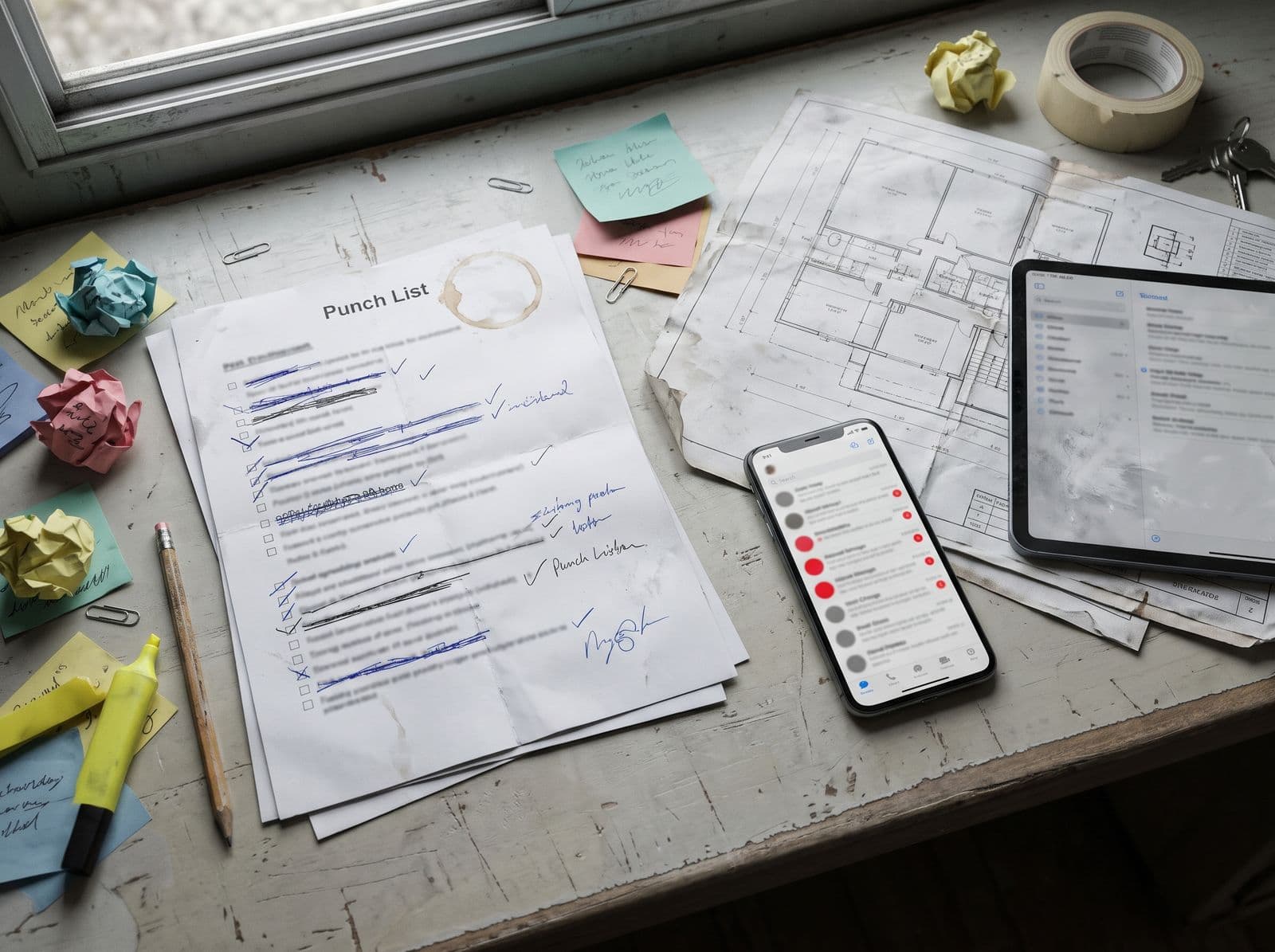
No more printed list that gets crossed out and copied out again.
Common problem
What Touch2build changes
What is snag clearance?
At acceptance of the works, the client accepts the building with or without snags. In France, this is Article 1792-6 of the Civil Code. A snag is a defect, faulty work or unfinished work noted during the acceptance visit. The company concerned must fix it. Once the fixes are made and checked, the snags are cleared, usually by a snag clearance certificate.
The hard part is not recording snags, it is following them: knowing which belongs to which company, which has been fixed and which has been checked. In Touch2build, each snag is a task located on the drawing. The list is the same for everyone and always up to date, and the history shows who did what and when.
The same application serves throughout the project, not only at acceptance: visit observations, points to check and progress tracking.
Frequently asked questions
What is a snag in Touch2build?
Do companies have to install an app?
Can I record snags without a network?
How do I know a snag has really been cleared?
The same defect repeats in several flats: do I have to enter everything again?
Can I follow snags in a site meeting?
Can I export the snag list for the minutes?
Try Touch2build for free
Test the application for 30 days, with no credit card and no commitment. See for yourself how Touch2build can change the way you run your sites.
Start my free trial- 30-day free trial
- Responsive support
- No credit card
- Cancel at any time