
Send tasks to subcontractors, no app needed
Your subcontractors receive their tasks without installing anything
30-day trial, no credit card
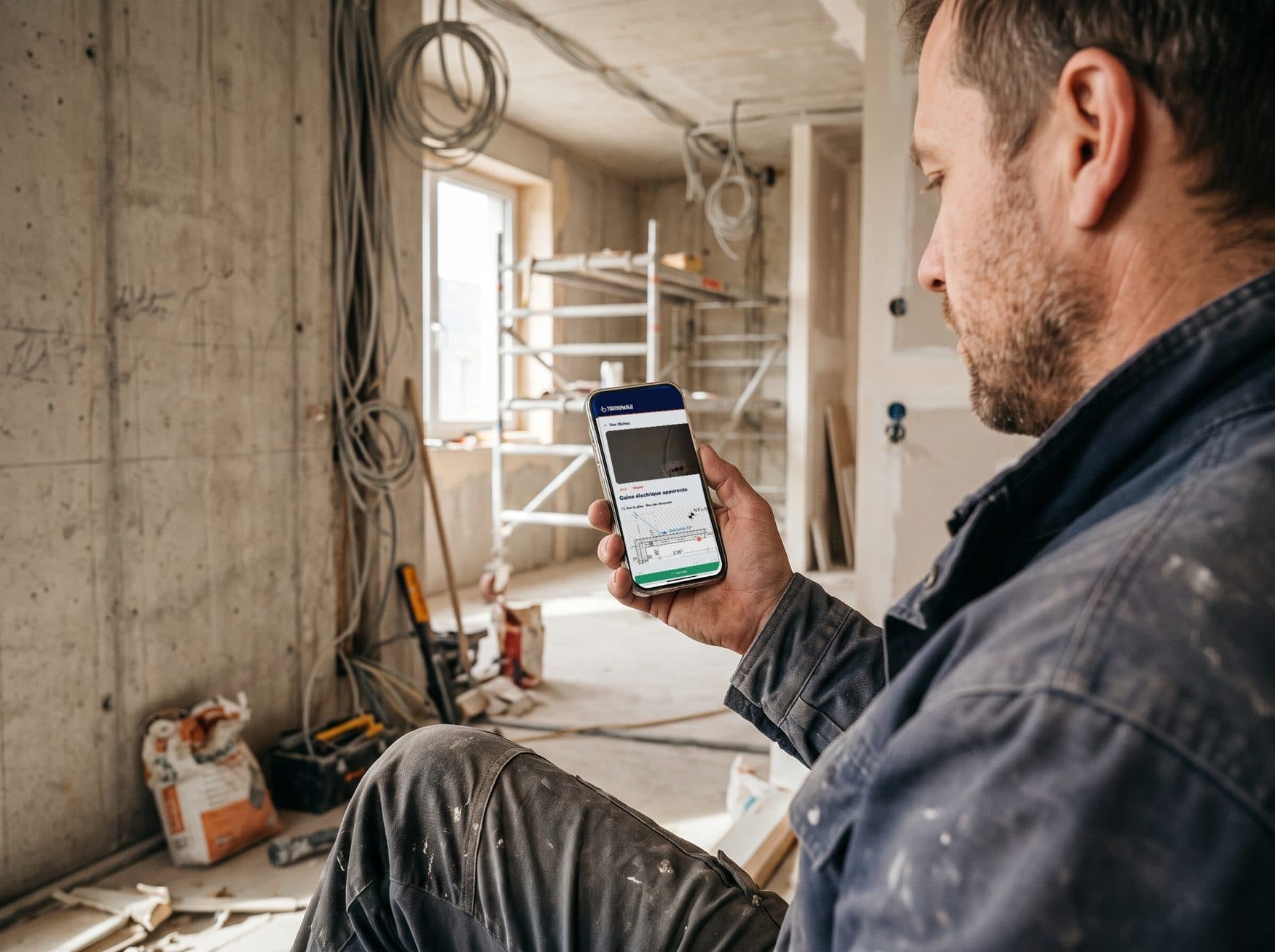
One link per company. No account, no app, no licence.
"My companies will never install one more app"
One more account, one more password, one more app: that is often where site software stops. With Touch2build, your subcontractors have none of that to manage.
They receive an email with the number of their open tasks and a View my tasks button. The page opens in their phone's browser, in their name.
Free for them
Only the project creator needs a licence. Companies pay nothing.In their language
Ten languages on the page, and each task can be translated in one click.Email, WhatsApp or SMS
No email address? Copy the ready-made message and send it another way.
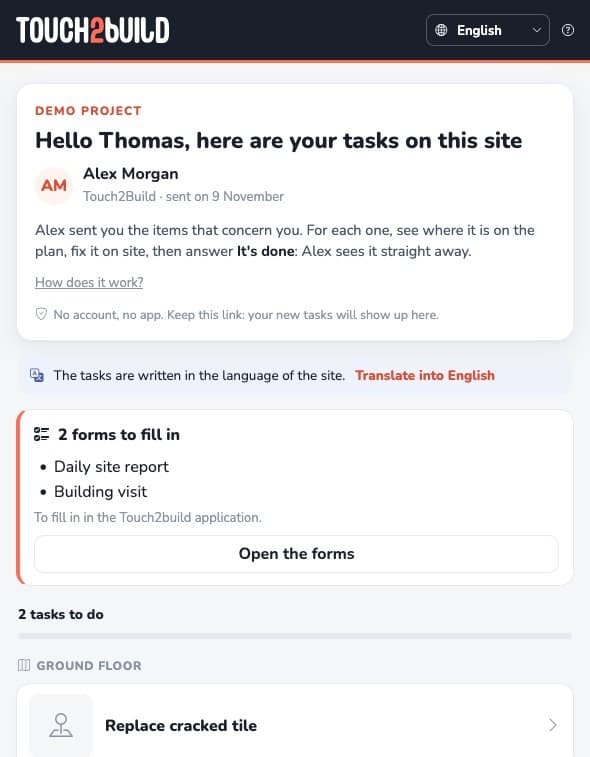
Each task on the drawing, with its photos
By tapping a task, the company sees its description, due date, photos, comments and exact position on the drawing. Tasks that are late in the planning or past their due date come first.
The page is not a fixed PDF: it always shows the current state. A task assigned tomorrow appears there, a closed task disappears.
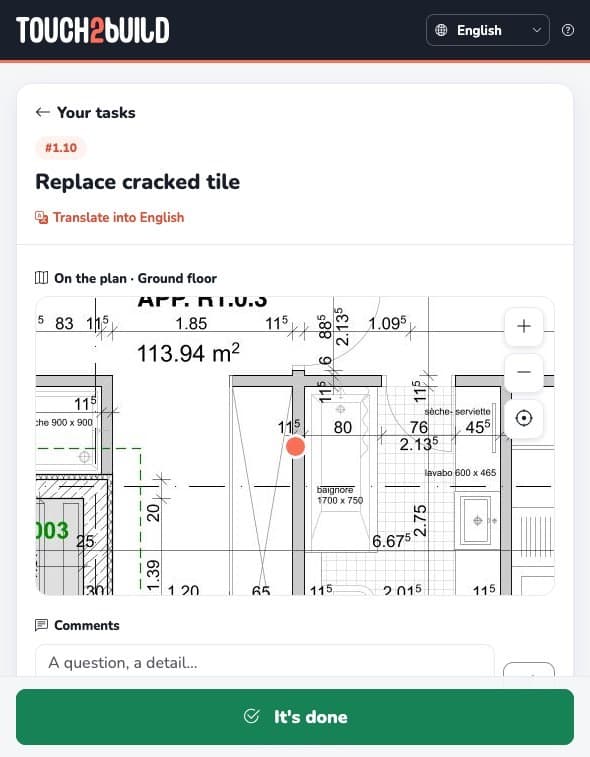
"Done" or "Not for me"
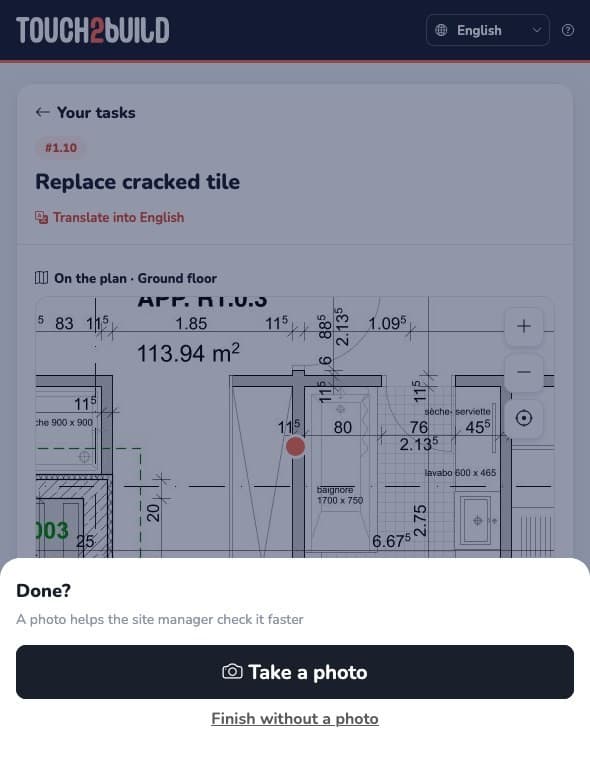
Done sets the task to resolved, with a photo if the company wishes. You check it and close it as usual.
Not for me sends the task back to the site with a comment, instead of leaving it to sit in a list. In both cases, you see the reply straight away in Touch2build.
Monday's round-up, without thinking about it
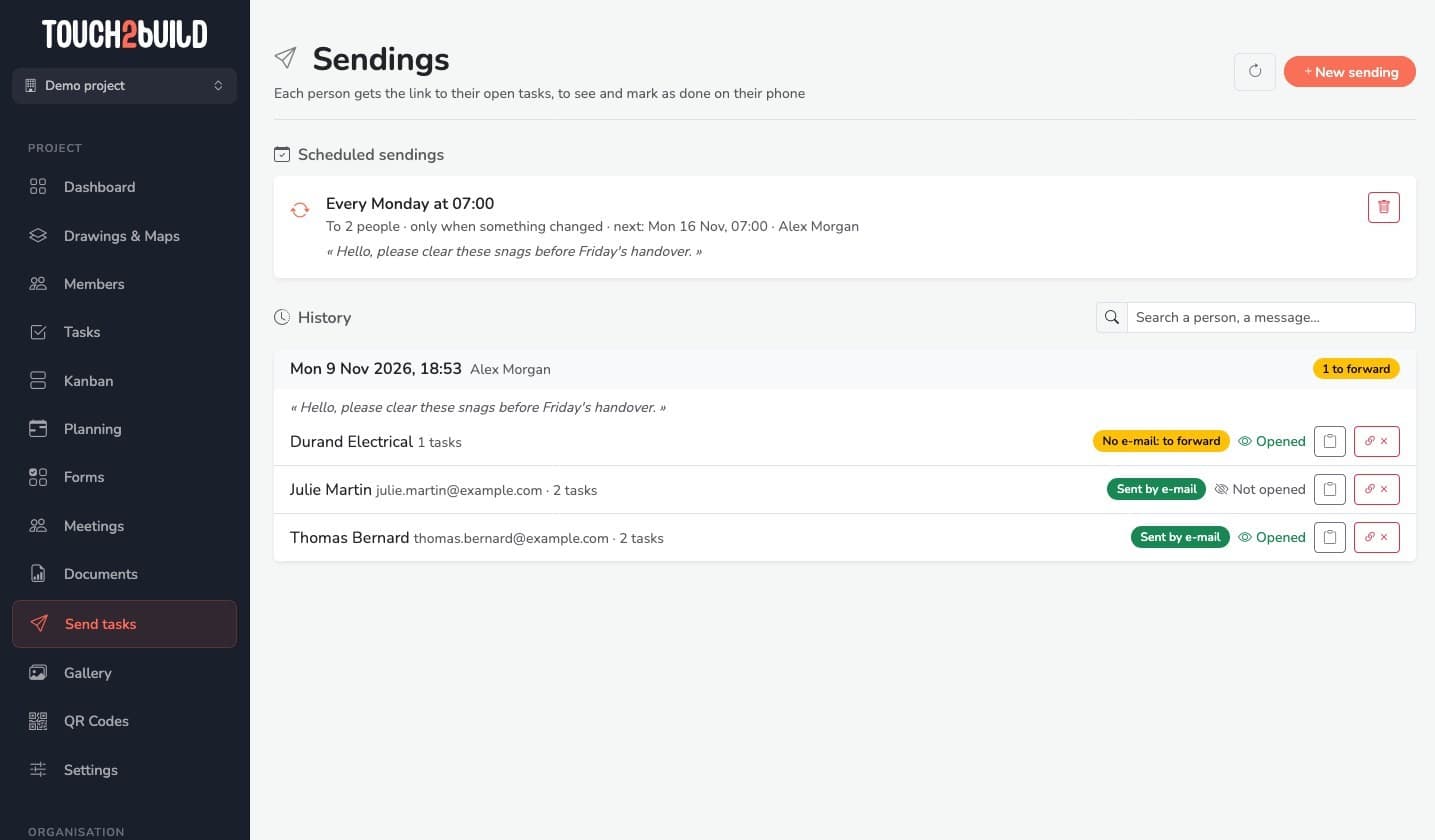
Schedule the sending every Monday at 7 am, to every company that has open tasks. With Only if something has changed, nobody receives the same list twice.
The history tells you who has opened their page and who has not yet. You know who to call, and the reminders stay yours.
Why it makes a real difference
You keep Touch2build, your companies keep their habits.
Common problem
What Touch2build changes
Send the snag list to companies, no app needed
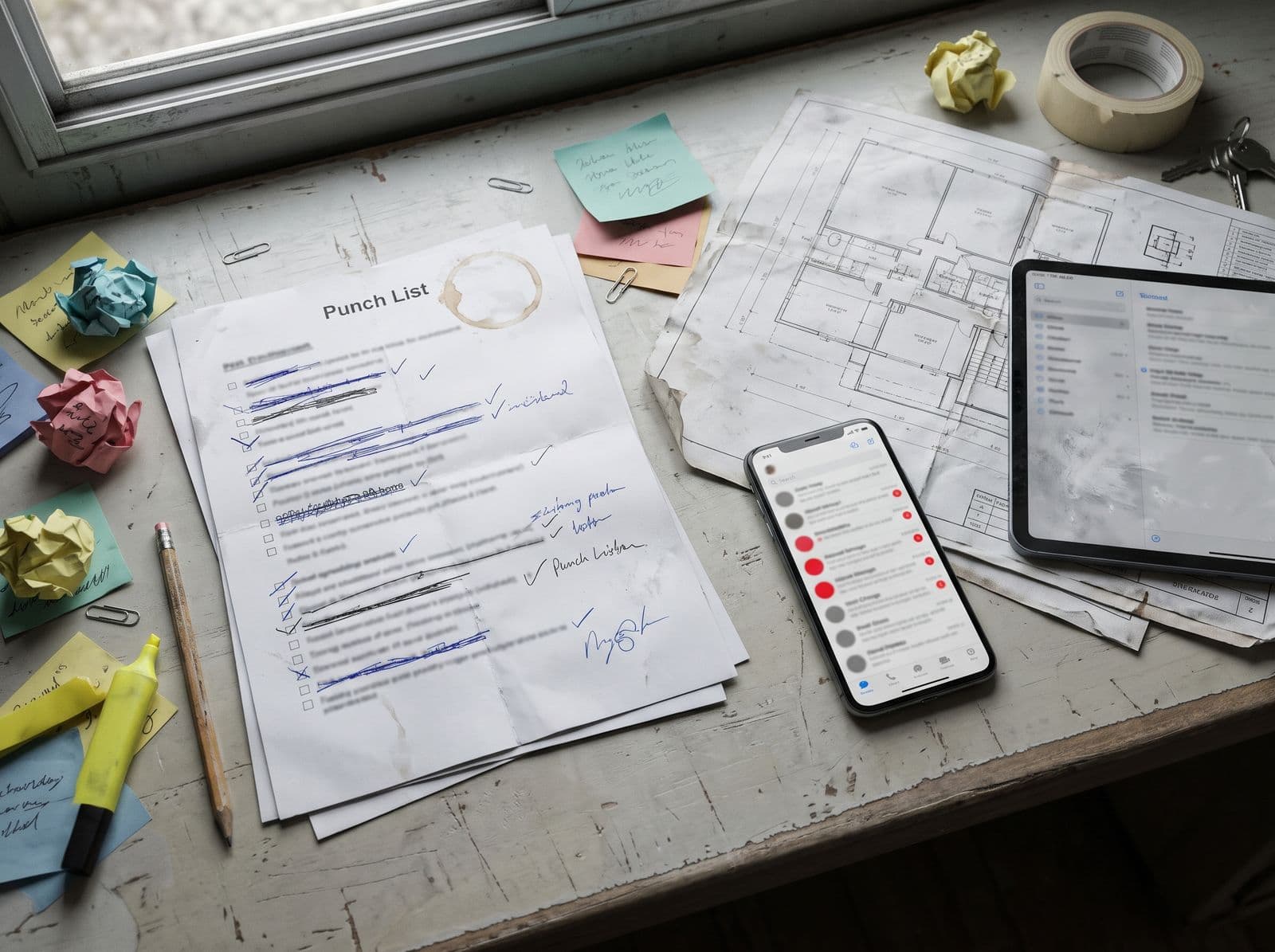
On site, the snag list is still often passed around as a PDF attached to an email or a photo on WhatsApp. It is out of date as soon as it leaves, and you do not know who has read it. With the Send tasks section of Touch2build, each company receives a personal link to its open tasks, always up to date, and replies from its phone. The tasks remain those of your task tracking, placed on your interactive drawings.
Who is it for?
For whoever runs the site and chases the companies: project manager or site manager, architect supervising the works, main contractor. The subcontractors who receive the link have nothing to buy or install.
What about the minutes?
Sending tasks complements your site reports: the minutes are the record and are archived, while the company's page tells it each day what is left to do.
And those who want the app?
A company that prefers the app can be invited to the project for free: it finds the same tasks, with offline sync.
Frequently asked questions
Do my subcontractors have to create an account or install an app?
Is it paid for the companies that receive the link?
What exactly does the company see?
Is the link secure?
What if a subcontractor has no email address?
Can tasks be sent automatically every week?
Which languages is the page available in?
Who can send the tasks?
Try Touch2build for free
Test the application for 30 days, with no credit card and no commitment. See for yourself how Touch2build can change the way you run your sites.
Start my free trial- 30-day free trial
- Responsive support
- No credit card
- Cancel at any time